Karolina
Motužytė


.png)




.png)
Light scattering as post process
-
I started this project as a self-guided study for university
-
Worked on it for a month
-
Used my pre-existing renderer with PBR support as a base
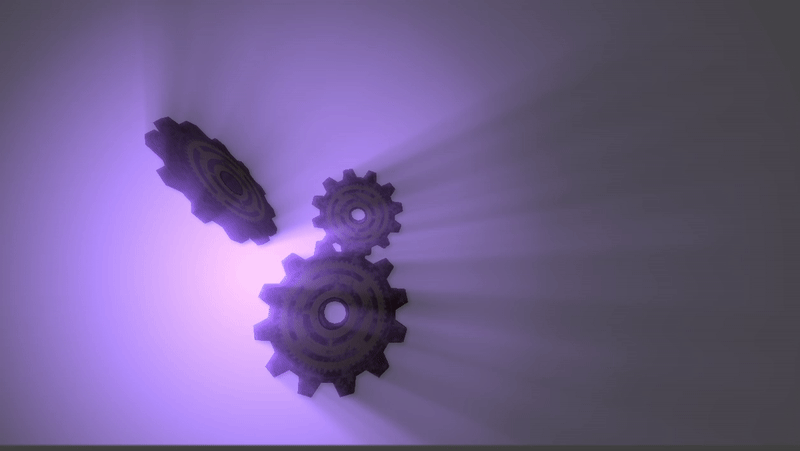
Why as a post processing effect?
-
There is more than one way to implement light scattering, or god rays, the most popular being through physically based volumetric rendering.
-
To choose which one to base my implementation on, I had to compare certain criteria:
-
Implementation complexity - I had very limited time for the project.
-
Visual appeal - of course the effect had to look good
-
Performance - the effect should run real-time
-
-
I ended up choosing the screen-space method as it would take the shortest time to implement, which was the most important criteria for me.
Light scattering through physical volumes
Light scattering though post process
Pros:
-
Physically accurate results
-
Supports dynamic media and shadows
Cons:
-
Computationally expensive
-
Harder to implement and tune
Pros:
-
Very fast and GPU-friendly
-
Simple to implement
-
Ideal for sun shafts or stylized visuals
Cons:
-
Not physically accurate
-
Only works for visible light sources
The pipeline

-
I followed two sources for this:
-
I had to omit some steps, such as bloom, to save time.
-
Since I wanted to use in-engine lights, I added a light rendering pass, which uses the radius and world position of point lights and renders them in screen-space.
The shader
-
Iterates through each point light, stepping toward the light source while sampling and fading the scene’s brightness using decay and weighting factors.
-
Accumulates the light contributions, adds them to the original scene, and applies an exposure-based brightness adjustment.
